Genshin Impact Storage Size Requirements in 2026
Discover how much space Genshin Impact takes up in 2026 with our detailed guide on install size and download size for every platform.
If you're about to install Genshin in 2026, the first thing you probably want to know is simple: how much space does Genshin Impact take up right now? The short version is that it takes a lot, and the number keeps creeping up. With HoYoverse pushing a new patch roughly every six weeks, plus more regions, quests, cinematics, and voice data piling on after Natlan, the game now eats up more storage than plenty of full-priced AAA releases. Whether you're downloading it on a phone, squeezing it onto a PC SSD, or starting fresh on PlayStation, it helps to know the real storage picture before you commit.
Genshin Impact Install Size by Platform
Exact numbers move around a bit from patch to patch, but these are realistic estimates for Version 5.x installs in mid-2026. Keep in mind that download size is the compressed package you pull from HoYoverse's servers, while installed size is what the game actually occupies after unpacking. The buffer matters too, because pre-load files, temporary patch data, and leftover update residue can briefly push the total much higher.
| Platform | Download Size | Installed Size | Recommended Buffer |
|---|---|---|---|
| Android | 14–18 GB | 22–28 GB | +6 GB |
| iOS (iPhone/iPad) | 15–19 GB | 24–30 GB | +6 GB |
| PC (standard settings) | 35–45 GB | 50–65 GB | +15 GB |
| PC (ultra/4K assets) | 45–55 GB | 65–80 GB | +20 GB |
| PlayStation 5 | 28–35 GB | 40–50 GB | +10 GB |
One thing is pretty much non-negotiable on PC: use an SSD, not an HDD. Genshin constantly streams terrain, textures, and shader data while you're moving around the world, and old spinning drives tend to cause stutter, pop-in, and slower loading. Even a basic SATA SSD is a huge improvement, while NVMe makes the whole experience feel way smoother.
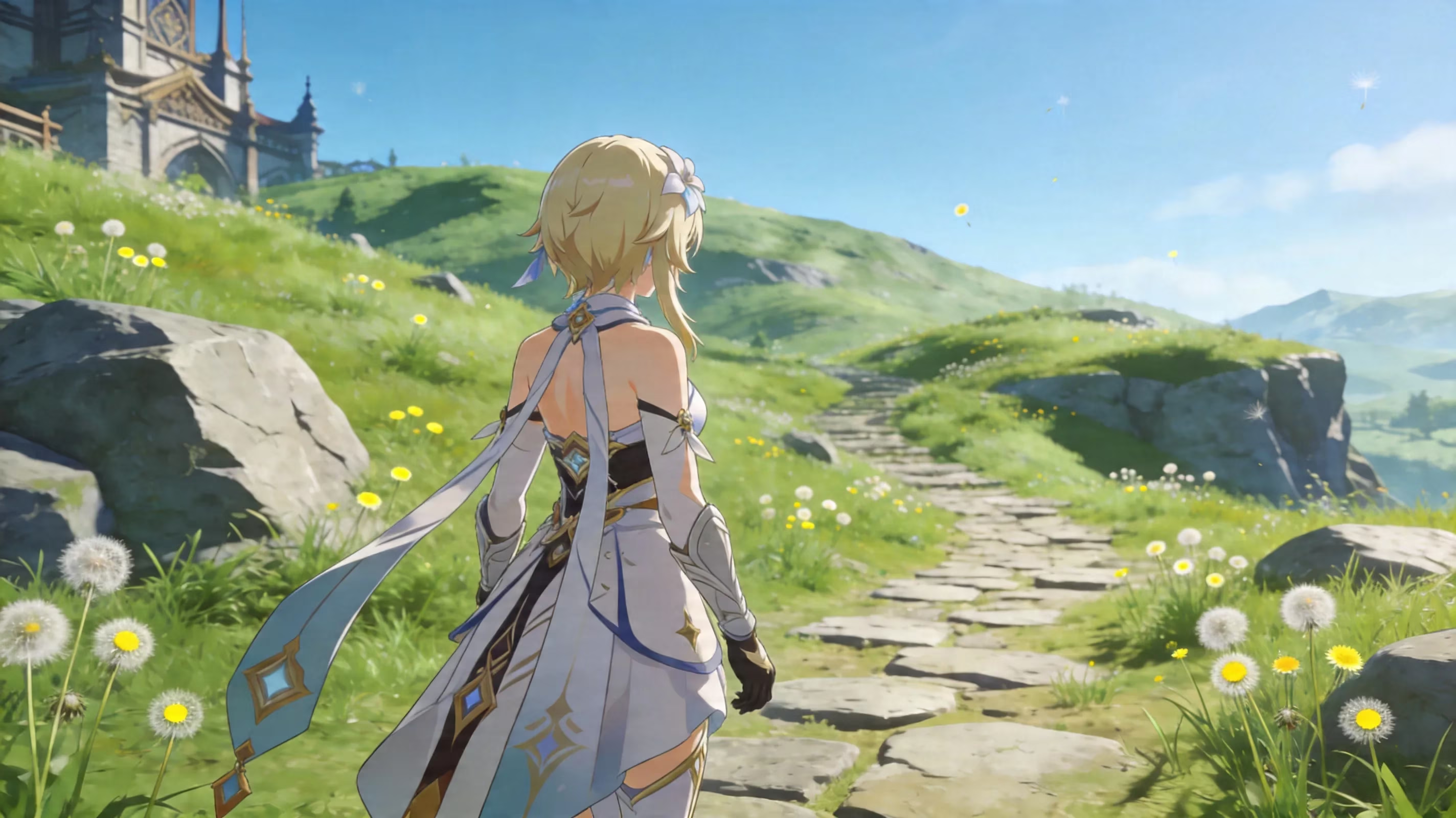
Android and iPhone
On Android, the initial app download is only part of the story. Once you open the game, it immediately starts pulling down a much larger OBB resource pack, so a clean install usually lands somewhere around 22–26 GB before you do much of anything. The biggest wildcard on mobile is voice data: each language pack — English, Japanese, Chinese, Korean, and Spanish — adds around 3–5 GB. If you leave all five installed, your total can climb past 28 GB very quickly.
iPhone and iPad behave in basically the same way, though iOS gives you less direct control over the file structure. You can't just browse to an OBB folder and start deleting leftovers. On Apple devices, cleanup usually has to happen through Settings > iPhone Storage or from the in-game voice management menu.
PC and PlayStation
PC has the heaviest overhead by far. It is not just the game files themselves either; the HoYoverse launcher also keeps logs, patch manifests, and partial update packages that do not always get cleaned out properly. After a major version jump, it is pretty common to find several extra gigabytes sitting around in GenshinImpact_Data\StreamingAssets, especially if the launcher did not finish its cleanup pass.
PS5 handles storage more efficiently thanks to Sony's Kraken compression. In practice, that gives it about a 20–25% installed-size advantage over a similarly configured PC build at comparable visual quality. PS4, on the other hand, ends up much closer to PC numbers because it lacks that same hardware decompression benefit.
Why Genshin Impact Takes Up So Much Space
A big reason Genshin is so large is that HoYoverse is trying to deliver the same broad, cinematic experience across everything from phones to high-end PCs. After Natlan's full rollout and the continued push into Snezhnaya and Khaenri'ah content, the world data alone has become massive. Every new nation brings its own terrain sets, architecture, environmental effects, shaders, and biome-specific assets, so there is not much room to simply recycle old files.
Texture quality is another major factor. Character and environment textures, especially the higher-end ones used on PC, are stored locally instead of being streamed on demand, which helps keep combat smooth during heavy scenes like Spiral Abyss runs or co-op boss fights. Then you have the cutscenes. A lot of the big Archon Quest cinematics are pre-rendered video files rather than fully in-engine sequences, and those can add several gigabytes over time.
Voice assets also stack up fast. Since Genshin supports full voice-over in five languages, every major story update comes with a huge amount of audio data. A single long Archon Quest chapter can easily add over 1 GB of voice files by itself.
Then there is the less obvious stuff: cache, temp files, and pre-load packages. During the usual 72-hour pre-install period before a major patch, HoYoverse downloads encrypted asset bundles ahead of time so you can update faster on launch day. The catch is that these files sit alongside the current live build until the patch actually goes live, which can temporarily make the game feel much bigger than normal. If you do not log in and let the client finalize things right away, some of that transitional data can hang around longer than it should.
How Much Free Space Genshin Impact Needs
This is where a lot of players get caught off guard. Asking how much space does Genshin Impact take up is not just about the installed number you see after setup. You also need breathing room for updates, shader compilation, and system-level storage overhead. A good rule is to keep at least 20% free space on a PC drive and around 15% free on mobile, so your device can still handle swap files, virtual memory, and background storage tasks without slowing down.
That matters a lot on smaller devices. On a 64GB phone, for example, you really want around 10 GB still free outside of Genshin itself. Once the game is already taking 25+ GB and the OS has claimed another 8–12 GB, you are left with almost nothing for photos, messaging apps, or anything else.
Major patch pre-installs are the roughest point for low-storage devices. Big updates tied to a new region, anniversary event, or major story expansion have historically needed another 12–15 GB of temporary overhead before old files get purged. Returning players can get hit even harder, because the client may need to sort through several skipped patch deltas at once. Funny enough, a fresh install is often cleaner and smaller than reviving an old one, since it pulls the latest consolidated package instead of stacking years of patch leftovers.
The 64GB phone situation is honestly rough. By the time you account for the OS, the game, and a safe update buffer, that device is basically full before your normal apps even enter the picture. If you plan to play regularly, 128GB is the real minimum.
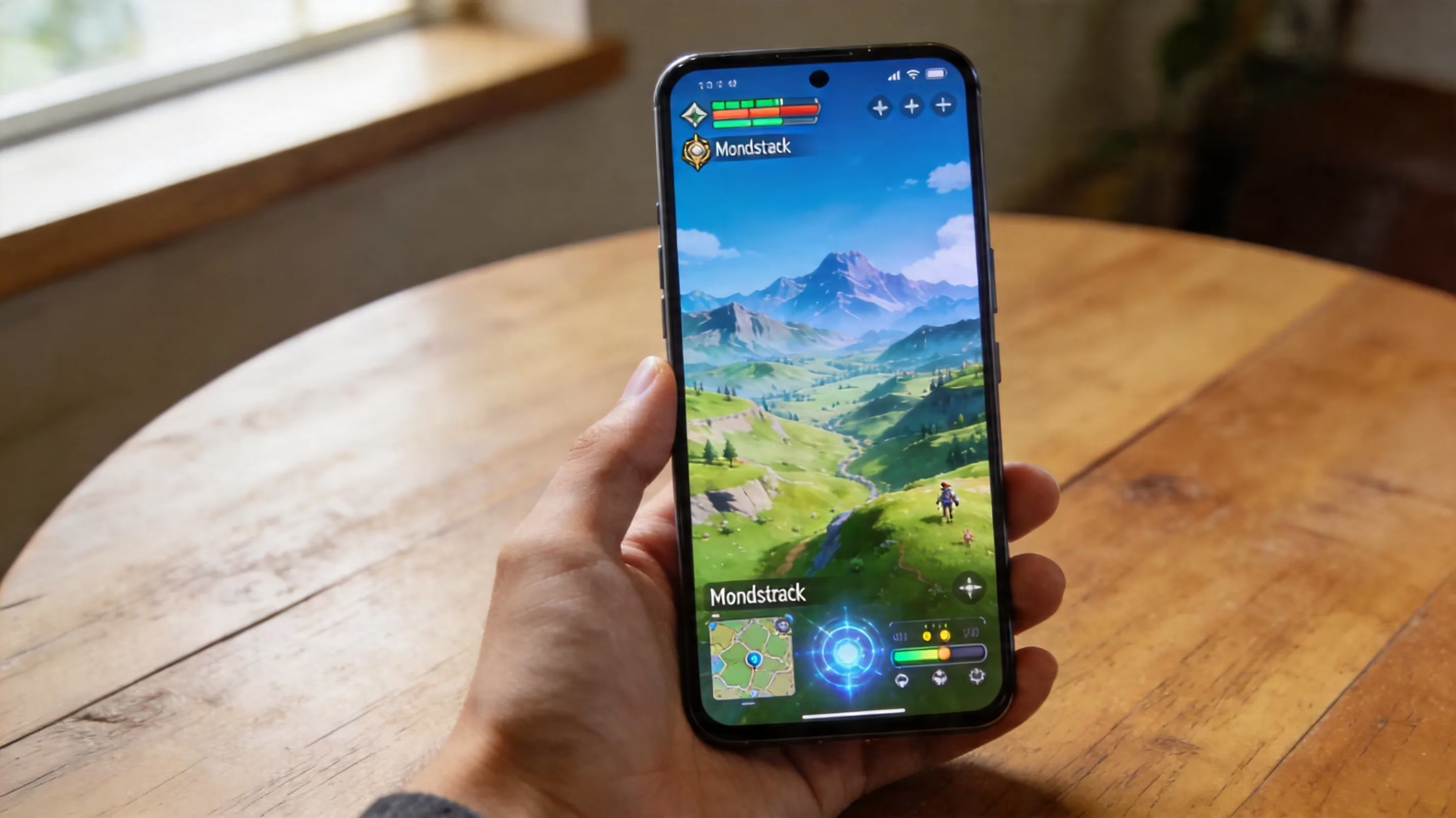
Genshin Impact Storage Cleanup Guide
If you wait until the "storage full" warning pops up, cleanup gets annoying fast. It is way easier to stay ahead of it. The biggest wins usually come from three things:
-
deleting voice packs you do not use
-
clearing cache through safe, official methods
-
doing a clean reinstall at the right time, ideally right after a major version update
Voice packs are the easiest place to start. In-game, go to Settings → Audio → Voice Language, then open Manage Downloaded Voices. That menu shows exactly how much space each language pack is taking. If you only use one language, removing the other four can free up roughly 12–18 GB on an older install, which is a massive recovery for almost no effort.
Cache cleanup is also safe as long as you do it through the game or your device settings. Using the in-game Clear Cache option removes shader compilations and temporary render data, but it does not touch your account, quest progress, or character inventory. Since your progression is stored on HoYoverse's servers, even a full uninstall is safe as long as you can still log back into your HoYoverse account.
Timing matters more than people think. If you do a clean reinstall right after a major version patch, you are usually getting the most compact consolidated build available at that moment. If you wait several patches, the game will naturally be larger because there is simply more content in it, even if you avoid some of the patch residue.
Mobile Storage Fixes
On iPhone, the cleanest option is usually Offload App, which you can find under Settings → General → iPhone Storage → Genshin Impact. This removes the app binary while keeping documents and app data intact. Reinstalling after an offload is often faster than doing a full delete-and-redownload, and it can clear out a surprising amount of orphaned cache sitting inside the app container.
On Android, you have a bit more control. Go to Settings → Apps → Genshin Impact → Storage → Clear Cache to remove temporary data safely. If you want to dig deeper, a third-party file manager lets you inspect Android/obb/com.miHoYo.GenshinImpact for leftover packages. Anything in that folder with a timestamp older than the current version is usually a safe candidate for deletion.
PC Storage Fixes
On PC, the two best cleanup targets are the shader cache and the temp folder inside the game's streaming assets. The shader cache is located at C:\Users\[Username]\AppData\Local\GenshinImpact\shader_cache, and you can delete it completely without breaking anything. The game will rebuild those shaders the next time it launches, usually within a few minutes.
The temp folder at GenshinImpact_Data\StreamingAssets\Temp is another common storage hog. It tends to collect patch staging files that the launcher does not always remove properly. As long as the game is fully closed, anything sitting there and not actively used by the current client can be deleted.
The launcher itself should be cleaned separately. HoYoverse stores its own logs and cache outside the main game folder, so check %AppData%\HoYoverse and clear the logs and webcache folders. That alone often gives back anywhere from 500 MB to 2 GB.
Best Devices for Genshin Impact Storage
If you want a realistic baseline for mobile, 128GB should be treated as the minimum. That gives you enough room for Genshin, a patch buffer, and your normal day-to-day apps without constantly micromanaging storage. 256GB is the comfort zone. At that point, you can keep the game installed, leave some media on the device, and still survive future updates without stress.
Higher-end phones with 512GB storage and faster UFS 3.1 or UFS 4.0 chips also feel noticeably better in Genshin. The game is more storage-sensitive than a lot of people realize, especially during region transitions, first-time area loads, and post-patch shader compilation.
For PC, capacity matters just as much as speed. A 1TB NVMe SSD is the sweet spot if you play other large games too. It gives Genshin enough room to grow while keeping load times and asset streaming fast. If you do not want it on your OS drive, a secondary SSD works perfectly fine; you can move the game and just update the install path in the launcher rather than reinstalling everything from scratch.
Cross-save is also a nice workaround if you want to spread the storage load around. Since HoYoverse supports progression sync across PC, PlayStation, iOS, and Android, you can keep the full-fat 4K install on your PC while running a trimmed-down mobile version with just one voice pack and lower settings. That setup is honestly one of the easiest ways to make Genshin manageable across multiple devices.

Genshin Impact Storage FAQ
Can an SD card work for Genshin Impact on Android?
Technically, yes, on some devices through adoptable storage. In practice, it is not a great idea. Even decent UHS-I Class 10 SD cards are much slower than internal UFS storage, and Genshin relies heavily on fast asset streaming. The result is usually more stutter, more texture pop-in, and sometimes outright crashes. Internal storage is still the better call.
Does clearing the cache actually help?
Yes, especially after big version updates. Shader files and patch staging data can pile up more than you would expect, and clearing them often recovers around 1.5–4 GB. It can also improve startup speed and reduce hitching during play. Your account data and progress are not affected.
Why does the size keep growing?
Because Genshin is a live-service game that keeps adding real content every six weeks. New characters mean new models, animations, VFX, and voice lines in five languages. New regions bring terrain, ambient audio, textures, and story cutscenes. HoYoverse is not removing old nations to make room for new ones, so the install naturally grows over time.
Will future updates shrink it?
Probably not in any dramatic way. HoYoverse has made some useful improvements, like better patch cleanup, differential downloads, and optional resource management for players with limited storage. That helps slow the growth, but it does not reverse it. As Snezhnaya and Khaenri'ah continue to roll out, PC and mobile install sizes are still likely to trend upward.
Conclusion
So, if you want the quick answer to how much space does Genshin Impact take up in 2026, here it is: around 22–28 GB on mobile, roughly 50–80 GB on PC depending on texture settings, and about 40–50 GB on PS5. On top of that, you should leave another 6–20 GB free for patching and temporary update files.
The best storage-saving moves are simple but effective: remove voice packs you never use, clear cache after major updates, and do a clean reinstall once in a while instead of letting patch residue stack forever. If you're planning a setup specifically for long-term Genshin play, a 256GB phone and a dedicated 1TB SSD on PC are still the sweet spot for keeping Teyvat running smoothly without constant storage headaches.